Simulate before you build: how engineering simulation reduces project risk
Fixing a design problem on the computer costs far less than fixing it on site. Here is where engineering simulation fits alongside design tools, and how to get results you can trust.
CDSS Editorial Team2 min readInsights
Fixing a design problem costs the least before anything is built. Engineering simulation lets teams test how a component, structure or system will behave under real loads, temperatures and flows while changes are still cheap to make.
Why simulate?
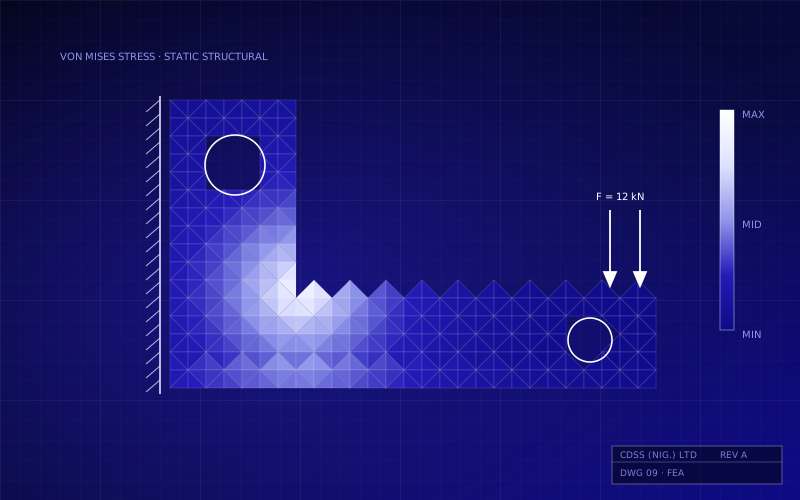
Code-based design methods are reliable for standard situations. But many engineering problems don't fit the standard cases: unusual geometry, combined loads, local stress concentrations, heat transfer or complex fluid behaviour. Simulation fills that gap. It shows where stresses concentrate, how heat moves through a component and how fluid flows, which a hand calculation can only approximate.
Fewer surprises: find weak points and failure modes before fabrication.
Better designs: compare options quickly and optimise for weight, cost or performance.
Fewer physical prototypes: use testing to confirm a design rather than to discover problems.
Defensible decisions: give clients, certifying bodies and insurers clear evidence of how the design will perform.
Structural, thermal, fluid, or all three
ANSYS covers the main physics engineering teams need. That includes structural mechanics and stress analysis, heat transfer and thermal simulation, and computational fluid dynamics (CFD). Many real problems involve more than one: a hot component expands and causes stress, and a flowing fluid loads a structure. Multiphysics simulation couples these effects so the model behaves like the real thing.
Where simulation fits alongside design tools
Simulation adds to design tools; it doesn't replace them. A typical workflow uses:
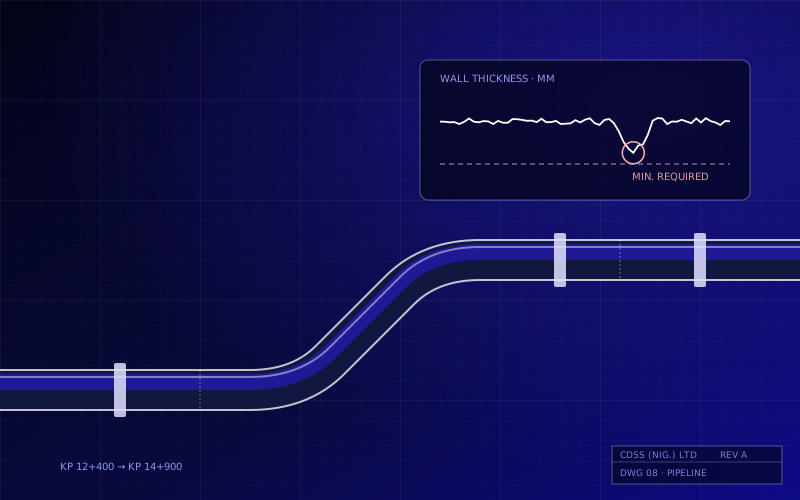
Design and code checks in tools such as STAAD.Pro for structures or AutoPIPE for piping systems.
Detailed simulation in ANSYS for components, connections or conditions outside the standard code cases.
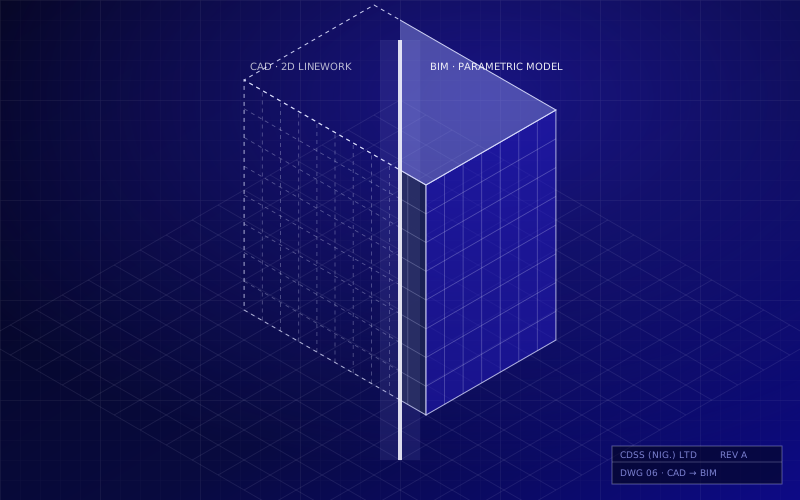
Design updates fed back into the CAD or BIM model, so drawings and models stay consistent.
Getting results you can trust
A colourful contour plot is not the same as a correct answer. Reliable simulation depends on good practice:
Represent supports, loads and contacts realistically. Boundary conditions cause more errors than anything else.
Check mesh quality, and refine the mesh until the results stop changing meaningfully.
Sense-check results against hand calculations or known solutions.
Use appropriate material data, and understand where linear assumptions stop being valid.
Document assumptions so that a reviewer can follow and repeat the analysis.
Building in-house capability
Simulation delivers the most value when engineers use it regularly, not as a rare specialist exercise. That takes the right licences, structured training and someone to call when a model misbehaves. CDSS provides all three, and ANSYS sits within the same training and support model we use across our whole portfolio.
Explore engineering simulation
Talk to us about ANSYS licensing, training and support for your engineering team. Explore ANSYS.
ANSYSSimulationEngineering
CDSS Editorial Team
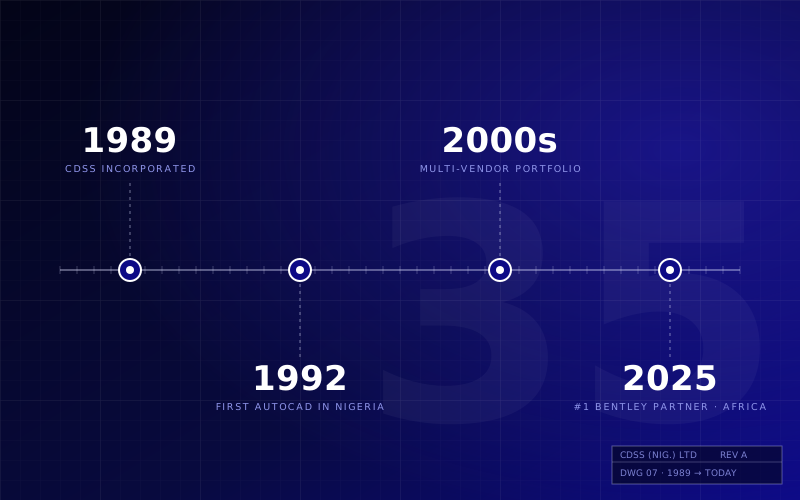
Engineers and specialists at CDSS (Nig.) Limited, Nigeria's first CADD technology company since 1989.